 Coming to YouTube
Build 11 · Light a pixel sprite
Dynamic lighting for pixel art, with normal maps in Aseprite
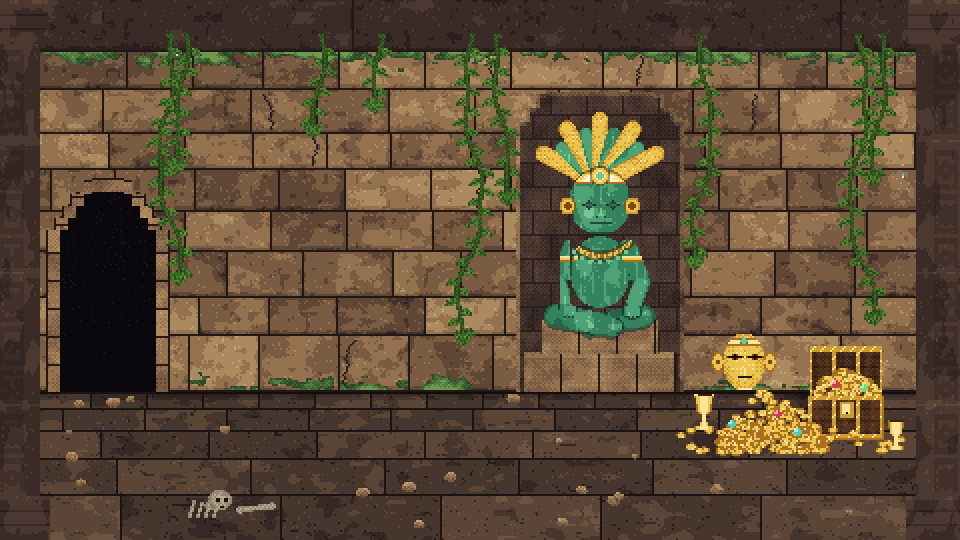
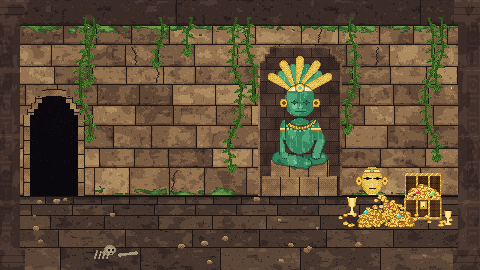
A sealed jungle temple with a jade idol, a hoard of gold and an explorer with a torch. Every part is drawn as a colour map, a normal map and a data map in one file. A carving on the wall exists only in the normal map, so only a low light finds it.
- AI agent
- Claude
- Built with
- SpriteRelay CLI
- Files
- 1
- Frames
- 300
Real exports
Look closer
Move over the picture to zoom into the pixels.
What makes it work
Inside the file
- 21 layers in three groups: Color (visible), Normal and Data (hidden).
- Normals are rounded to a set of 41 directions, so the normal map is clean pixel art too.
- The data map stores height, shine and glow; anything that glows becomes a light.
How it was built
Step by step
- Three maps per partWall, floor, idol, hoard, vines and the explorer, each drawn as colour, normal and data.
- BuildStep by step through SpriteRelay CLI, compared with the design after every step.
- LightThe lighting you see is computed from the exported maps by the video and the browser demo.
The files
What was built
| File | Canvas | Frames | Layers | Tags | Slices | Size |
|---|---|---|---|---|---|---|
Light a pixel spritetemple.aseprite | 480×270 rgb | 300 | 21 (8 tilemap) + 3 groups | 5 | — | 1.1 MB |
Read from each file's own record (SpriteRelay's file summary of the final .aseprite where one was taken).
How it was checked
- Every build step matches the design exactly.
- The browser demo lights the real exports exactly as the video does: the same frames hash identically.
Labels and honesty notes
- Aseprite stores the colour, normal and data maps. The lighting itself is computed outside Aseprite, by the video and the browser demo, and they say so.
Watch
The videos
Every frame on screen is cut from the file's real exports.
Coming to YouTube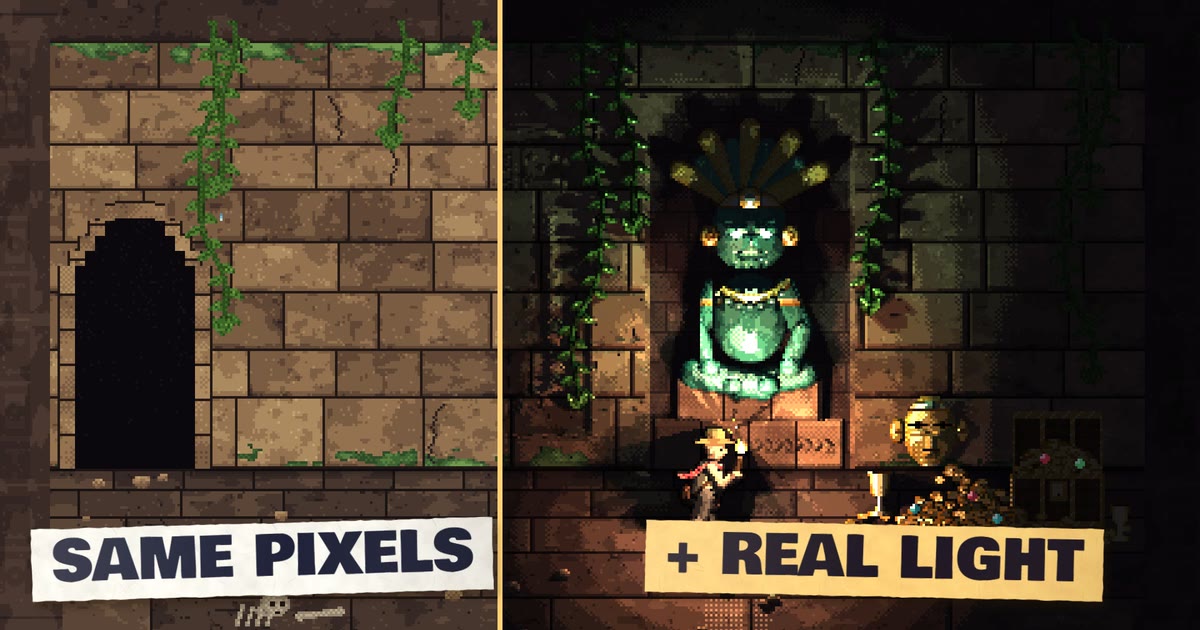 Coming to YouTube
Do this with your own sprites
Every build here was made through SpriteRelay CLI.
Your assistant inspects, patches, previews and exports real .aseprite files, and nothing reaches your project until you commit.
Keep exploring
More builds
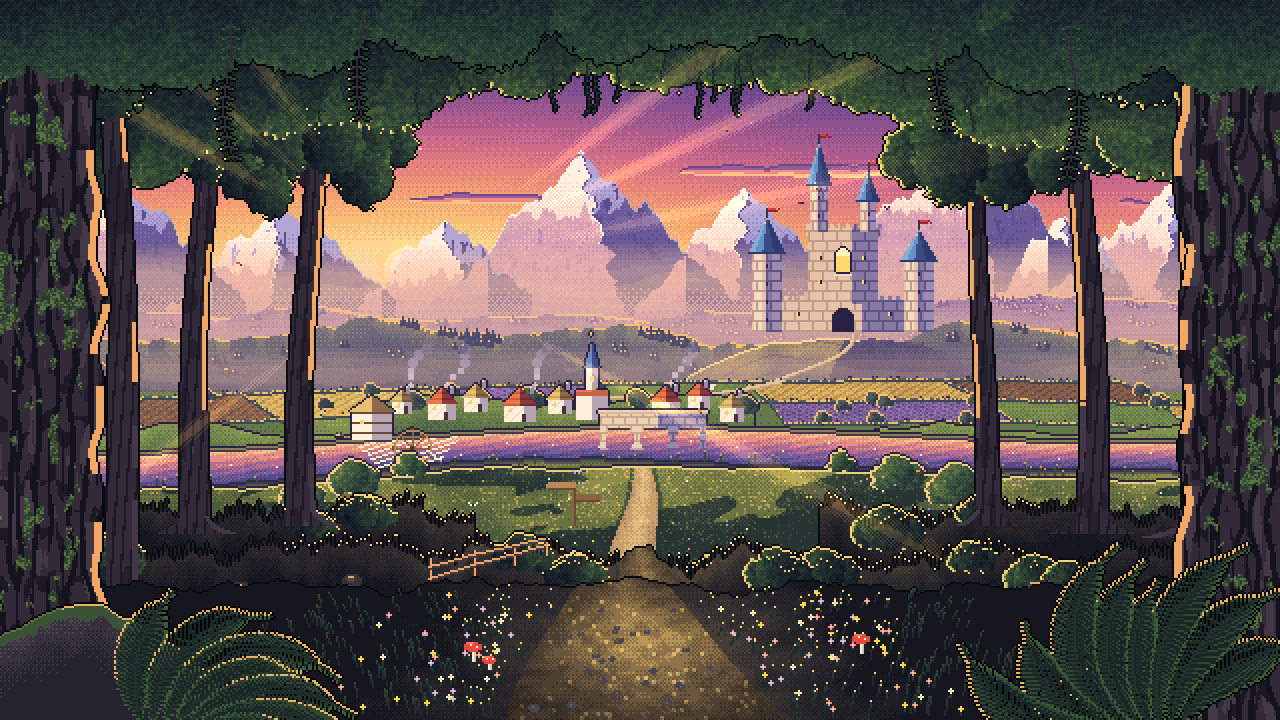
Walk into the picture
A golden-hour valley as 19 depth planes in one Aseprite file. Each layer stores its distance in its name, and the camera walks into the painting.
Worlds & tilemaps · Animated scenes
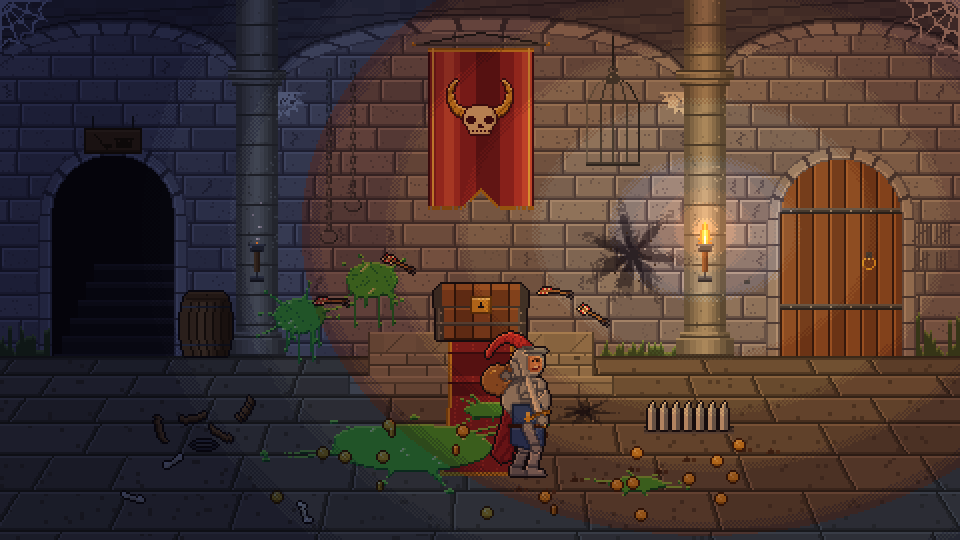
After the Heroes
A dungeon the morning after the heroes, and the skeleton janitor who cleans it up: 512 frames, 11 tags and 9 layers in one Aseprite file.
Animated scenes · Characters
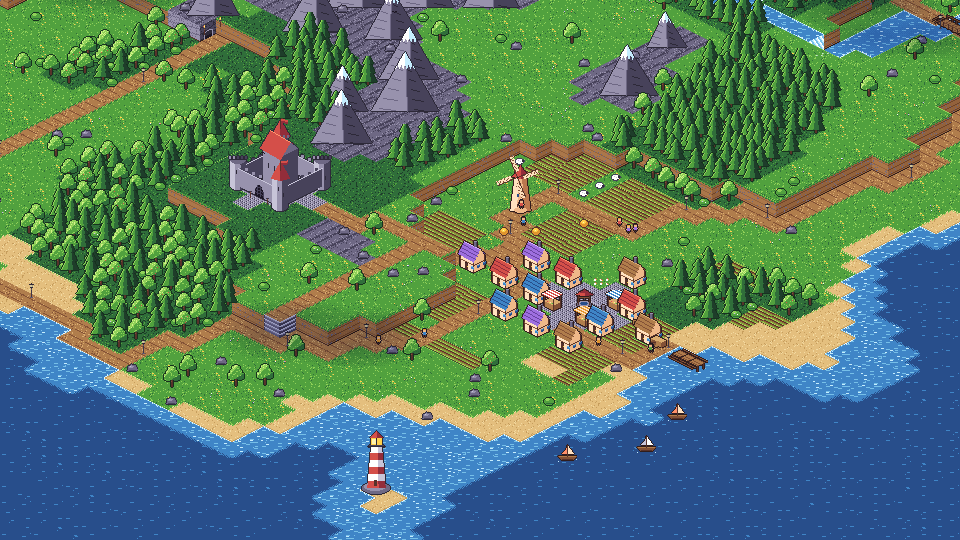
A day on the island
An isometric continent lit through a whole day in one Aseprite file: sunrise, noon, golden hour, night and rain, using blend-mode layers.
Worlds & tilemaps · Light & depth · Animated scenes