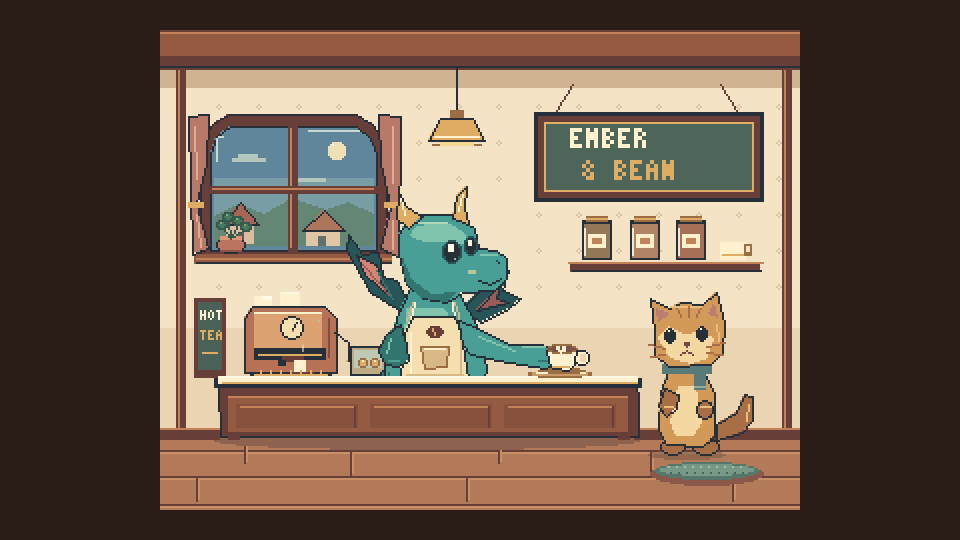
 Coming to YouTube
Build 10 · Ember & Bean, the dragon café
A dragon barista: a pixel art story in one Aseprite file
A little dragon takes a job behind a café counter, gets carried away warming a drink, and scorches the order. The next attempt is gentler, the customer is happy, and another order arrives.
- AI agent
- Codex
- Built with
- SpriteRelay CLI
- Files
- 1
- Frames
- 96
Real exports
Look closer
Move over the picture to zoom into the pixels.
What makes it work
Inside the file
- Three tags tell the story: too-hot, gentle-heat and serve.
- 13 layers keep the dragon's anatomy separately editable, and the counter hides its lower body naturally.
- Built by a different AI agent (Codex) through the same SpriteRelay CLI.
How it was built
Step by step
- Story firstCharacter, mistake, consequence, then the product payoff.
- BuildEmpty frames, static linked cels and de-duplicated tilemaps through SpriteRelay CLI.
The files
What was built
| File | Canvas | Frames | Layers | Tags | Slices | Size |
|---|---|---|---|---|---|---|
Ember & Bean · dragon baristacafe.aseprite | 320×240 rgb | 96 | 13 (9 tilemap) | 3 | — | 185 KB |
Read from each file's own record (SpriteRelay's file summary of the final .aseprite where one was taken).
How it was checked
- Real exported animation contact sheets reviewed at native and magnified scale before the video.
Labels and honesty notes
- This build used Codex as the AI agent; the credit reads 'Built with SpriteRelay CLI'.
Watch
The videos
Every frame on screen is cut from the file's real exports.
Coming to YouTube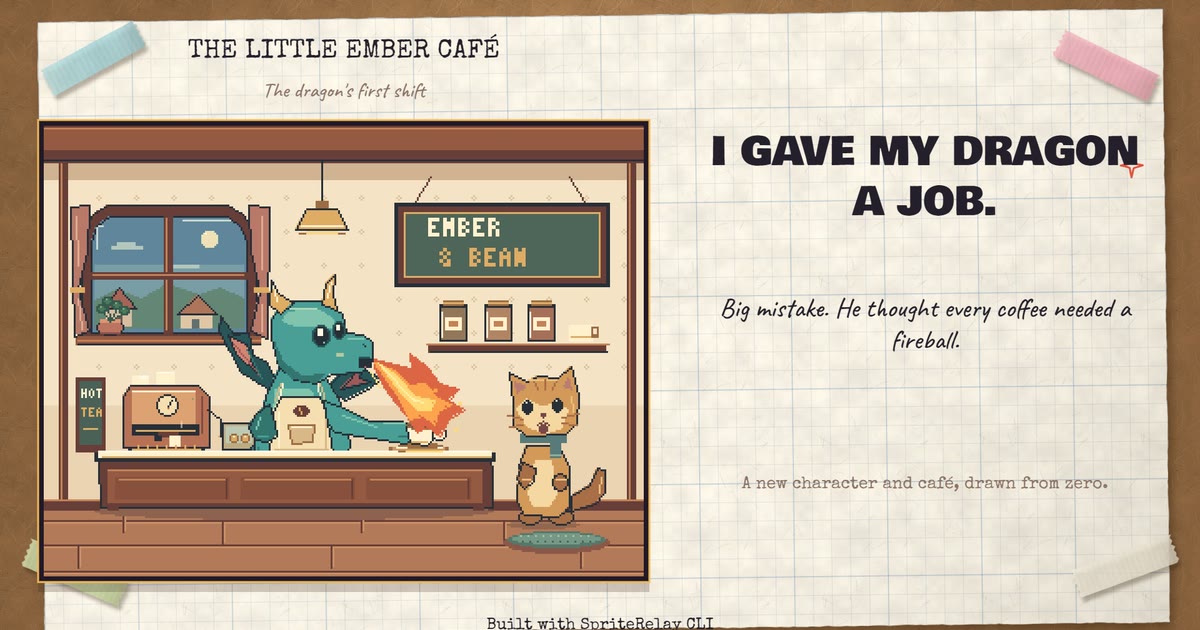 Coming to YouTube
Do this with your own sprites
Every build here was made through SpriteRelay CLI.
Your assistant inspects, patches, previews and exports real .aseprite files, and nothing reaches your project until you commit.
Keep exploring
More builds

The dragon grows up
A hatchling dragon grows into a baby, a teen and an adult: three new game-ready sprites with walk, run, fly and fire animations, built in Aseprite.
Characters
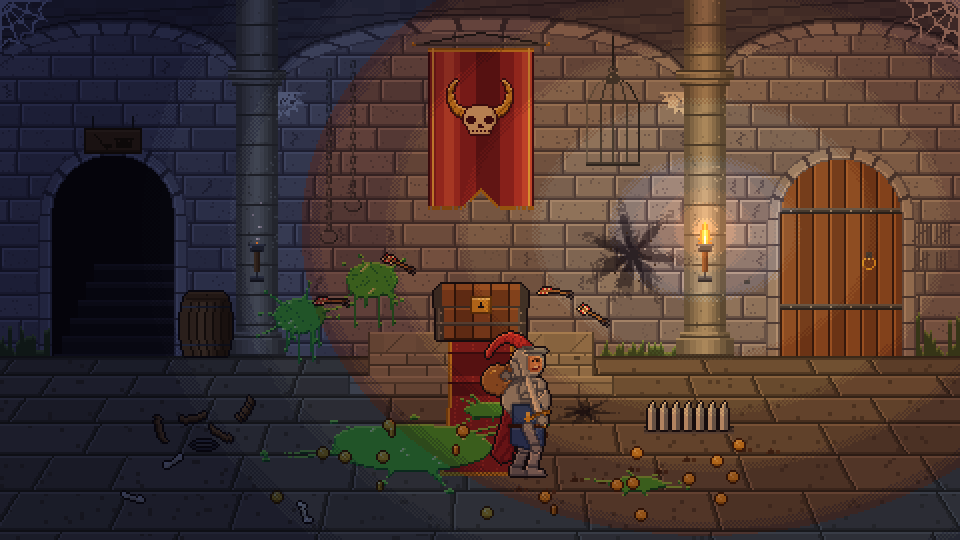
After the Heroes
A dungeon the morning after the heroes, and the skeleton janitor who cleans it up: 512 frames, 11 tags and 9 layers in one Aseprite file.
Animated scenes · Characters
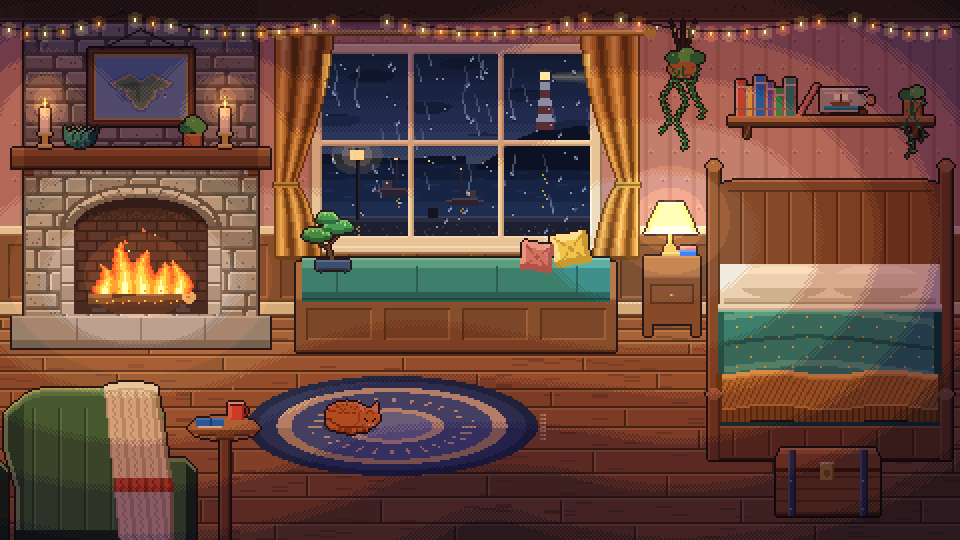
Cozy rainy night
A 480×270 cozy room with a fire, a cat and rain on the window: 672 frames, 17 tags and 11 layers in one Aseprite file, made for a 1-hour 4K ambience.
Animated scenes · Worlds & tilemaps